
Divi WooCommerce Extended Live Demo: Try Modules and Layouts Before You Buy
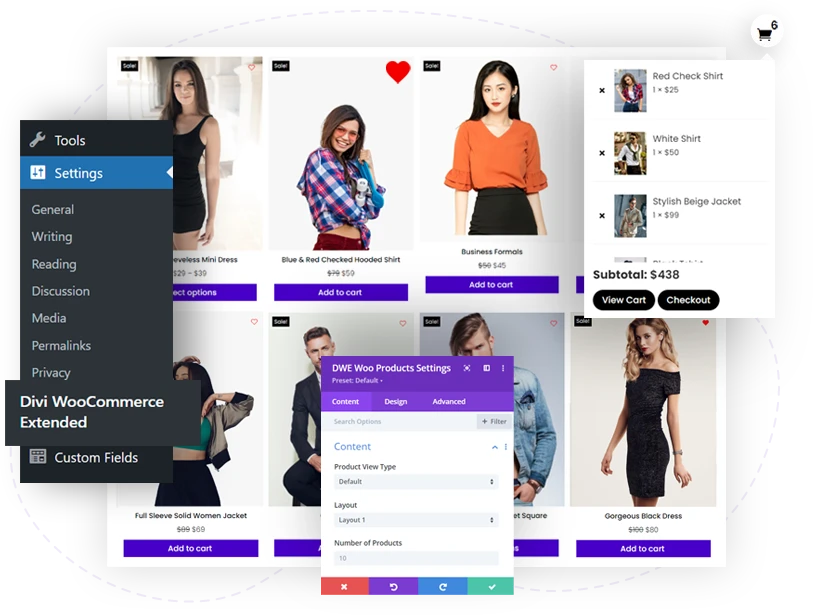
This is the official live demo of Divi WooCommerce Extended. Every module, extension, and pre-built layout in the plugin is fully functional here on real WooCommerce products. Click through any feature below to interact with it, then get the plugin from the official Divi Extended store.
$99/year unlimited sites. Compatible with Divi 4 and Divi 5
Trusted by
300,000+ websites worldwide
Featured on

Compatible with
Divi 4 and Divi 5
Modules
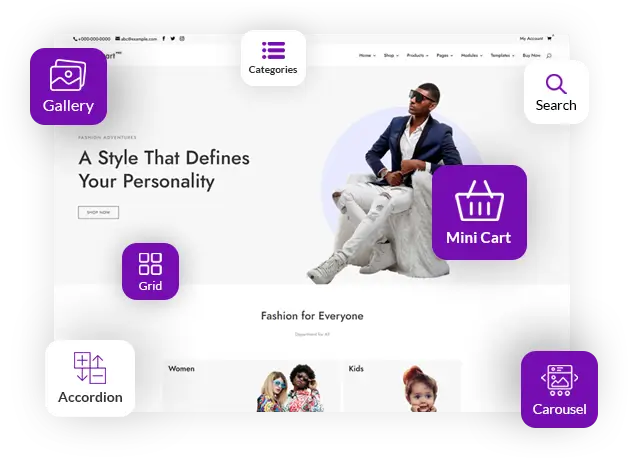
The plugin hosts several modules to simplify the shop building experience to the peak that will leave everyone in awe.
Extensions
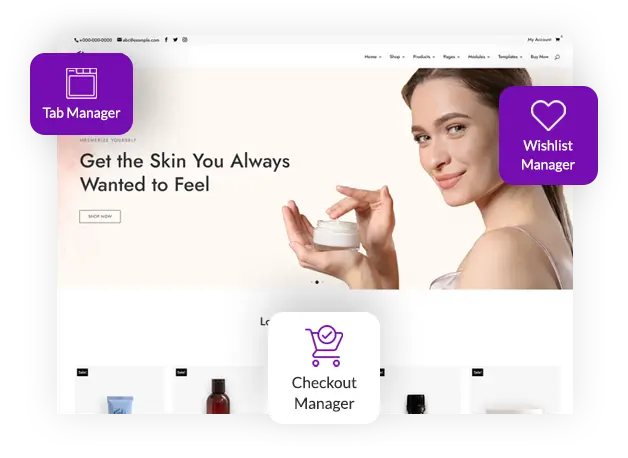
With different modules, you also get the highly functional extension that boosts the entire store’s performance.
Modules
Modules
Mini Cart
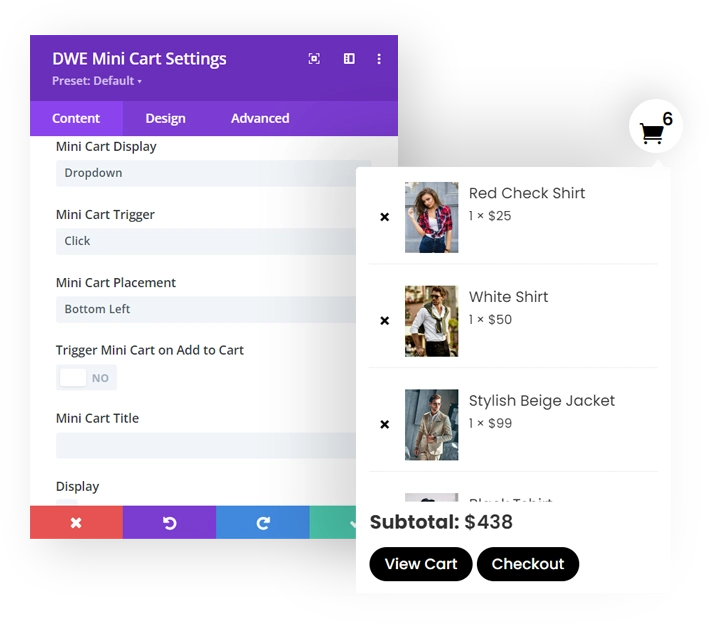
Cart Access Made Easy with Mini Cart
Save customers from the trouble of revisiting the cart page repeatedly to view products added to the cart. Instead, use the Mini Cart module to add a mini cart that shows carted products from anywhere on the site. Plus, you could do a lot of customizations with your Mini Cart to make it more functional.
Products Carousel
Easily Create Products Carousel
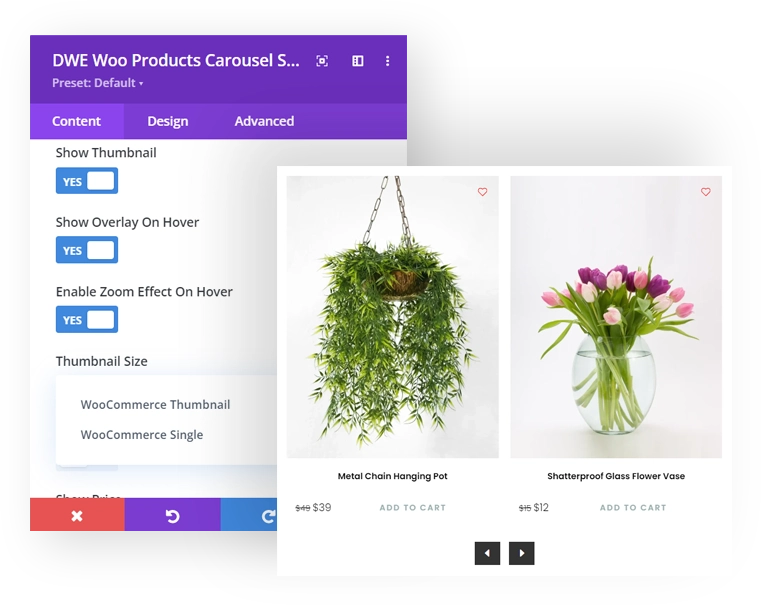
Make your products look super interesting by using the Product Carousel module. If you want to create related products sliders, popular products sliders, or any slider that needs products, this is the module you need to get familiar with. Slide, show, and sail the business smoothly with Products Carousel.
Products Grid
Display Products in Stylish Grid and Masonry Layout
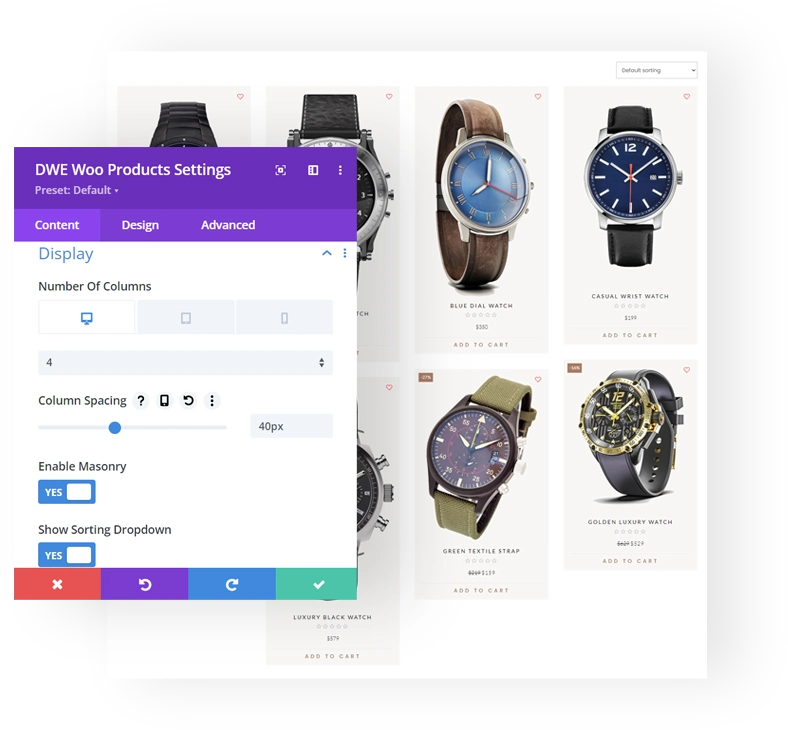
Regardless of your online shop’s business domain, it deserves the best and intriguing shops that motivate users to come repeatedly. The Products Grid module helps you achieve that easily by displaying products in beautiful grids up to 6 columns. You can create modern shop pages supporting Quick view; Multiple Layouts, Products Types; Add to Cart On-hover, and much more.
Products Categories
Display Product Categories in Grid View
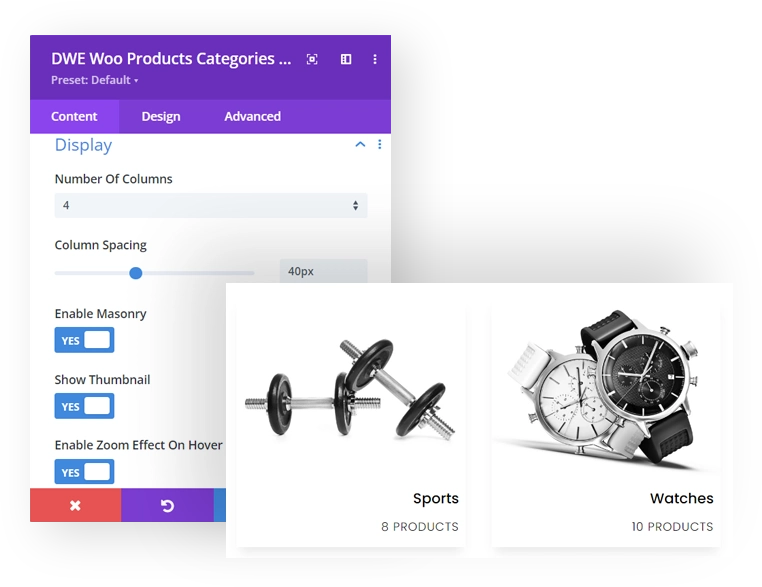
Whether you want to highlight multiple products of a single category to create a featured section, like “Winter Collection.” Or showcase all the categories (/tags) on a single page; the Products Categories module enables you to do that quickly with unique and elegant layouts.
Ajax Search
Make Your Store Accessible to Users
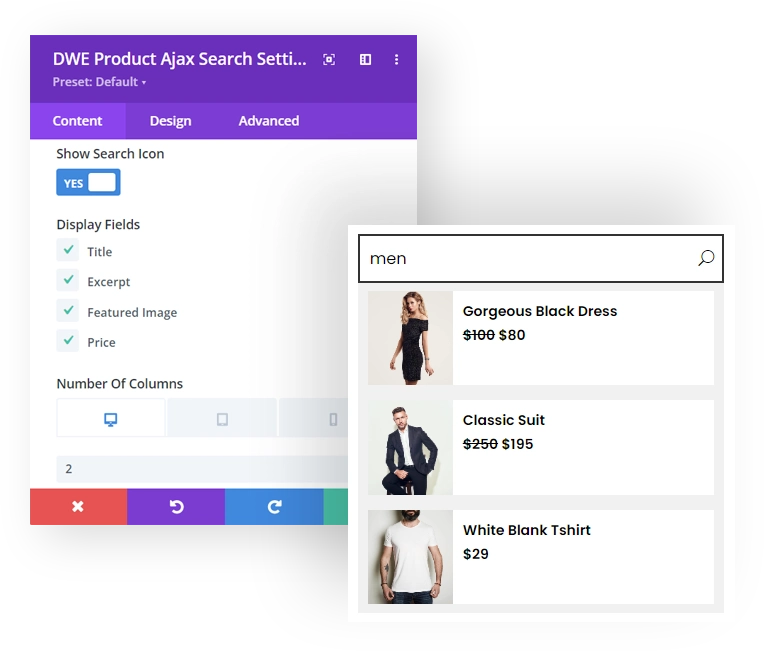
Use the Ajax Search module for WooCommerce to enhance your Divi store’s functionality to search for a product. It adds a beautiful search bar that provides customers with refined results on the store right when they type the query. You can choose to set what to display, where to search (Title, Information), apply looks customizations, and a lot more.
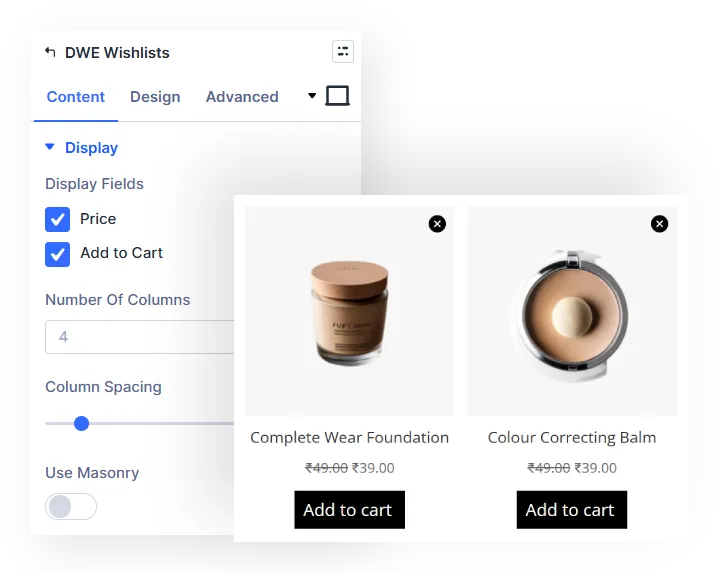
Wishlist
Save Favorite Products with WooCommerce Wishlist
Allow shoppers to save products they want to purchase later using a customizable wishlist. Display product images, prices, stock status, and add to cart buttons in a clean wishlist layout. Configure columns, spacing, masonry layout, and display options to create a shopping experience that encourages users to return and complete their purchases.
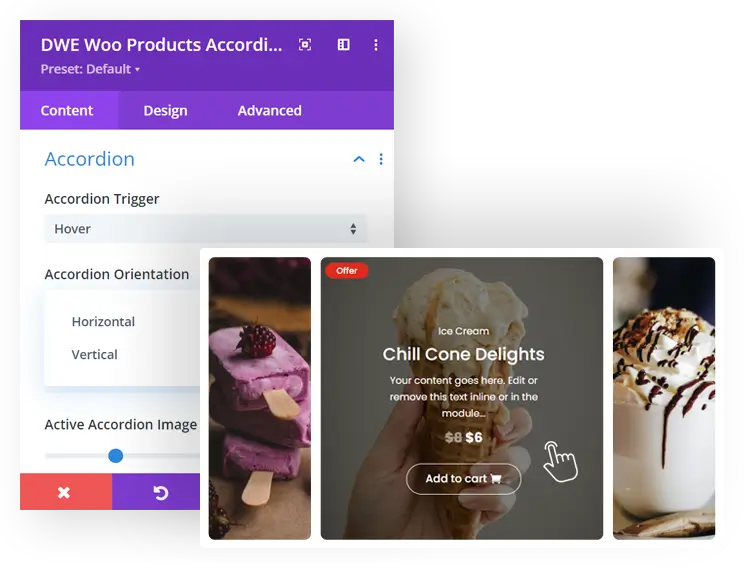
Products Accordion
Smooth Accordions for Creative Product Showcase
Display products in engaging accordions that display complete details of the product on click or hover. Use vertical or horizontal accordion layouts with customized product elements such as title, description, rating, price, sale badge, add to cart button, and more. With content animation, text themes, content alignments, and other style options, improve accordions working as well as their look and feel.
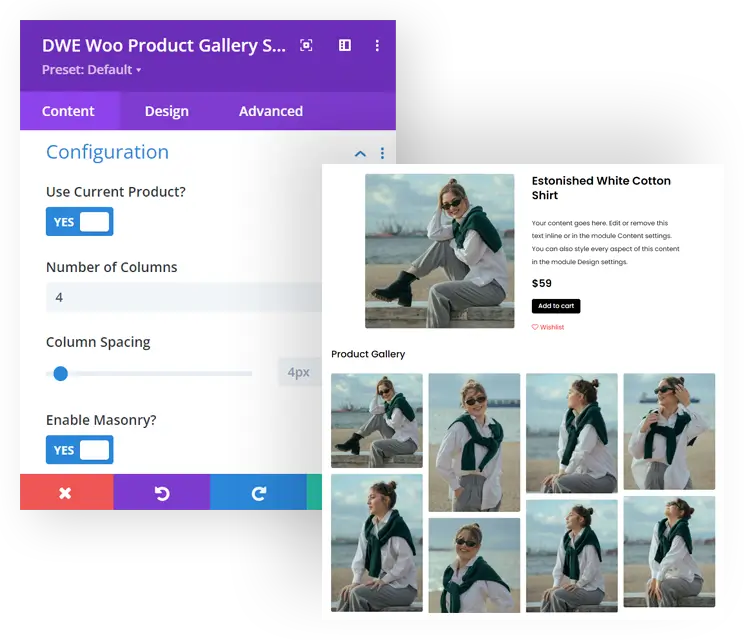
Product Gallery
Boost Products Exposure Using Mesmerizing Galleries
Improve products showcase and engagement on your Divi WooCommerce store using the Products Gallery module. It enables you to create optimized galleries on single product pages and custom pages with products’ images, the latest products, product albums, and other specific products. Use masonry layout and separate images with multiple columns and spacing.
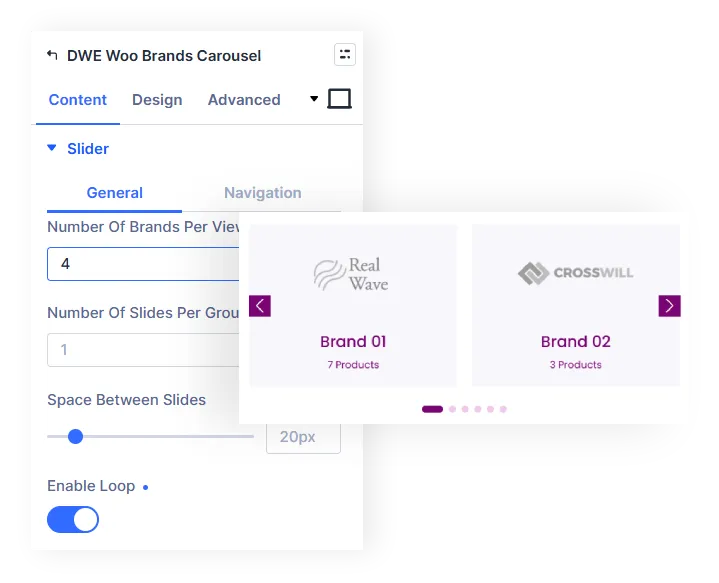
Brands Carousel
Interactive Brand Carousels for Better Product Discovery
Display product brands in interactive carousels that help visitors browse brands with ease. Showcase brand logos, names, and product counts using multiple carousel layouts with customizable navigation, pagination, autoplay, spacing, and loop options. Personalize the appearance with styling controls to create a clean and engaging brand browsing experience for your WooCommerce store.
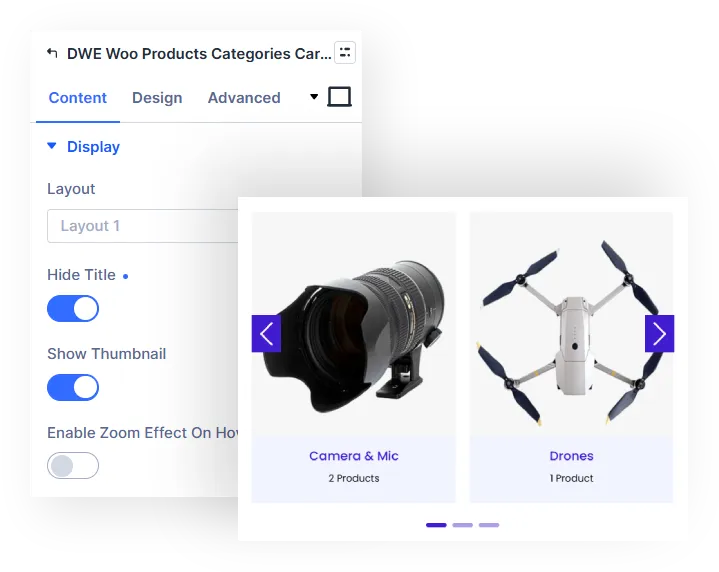
Products Categories Carousel
Interactive Product Category Carousel for Easy Navigation
Help shoppers browse product categories through interactive carousel layouts that highlight category images, names, and product counts. Choose from multiple display styles and customize navigation, pagination, autoplay, spacing, and hover effects to create a smooth browsing experience. With flexible layout and styling options, you can build visually organized category showcases that make product discovery faster and more engaging.
Products Ticker
Product Tickers That Keep Shoppers Engaged
Display WooCommerce products in smooth scrolling tickers that continuously highlight featured, best-selling, sale, top-rated, or latest products. Customize ticker direction, speed, spacing, product view types, and styling options to match your store's design. With flexible layouts and display controls, you can create eye-catching product tickers that improve product visibility and encourage visitors to explore more items.
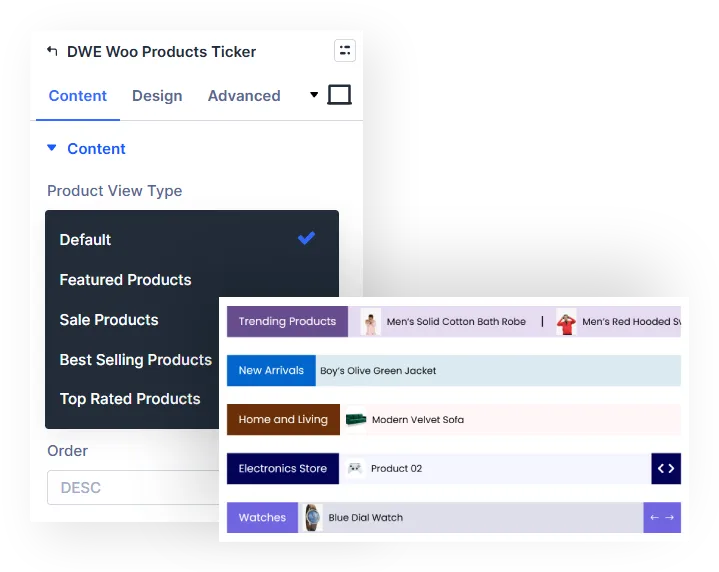
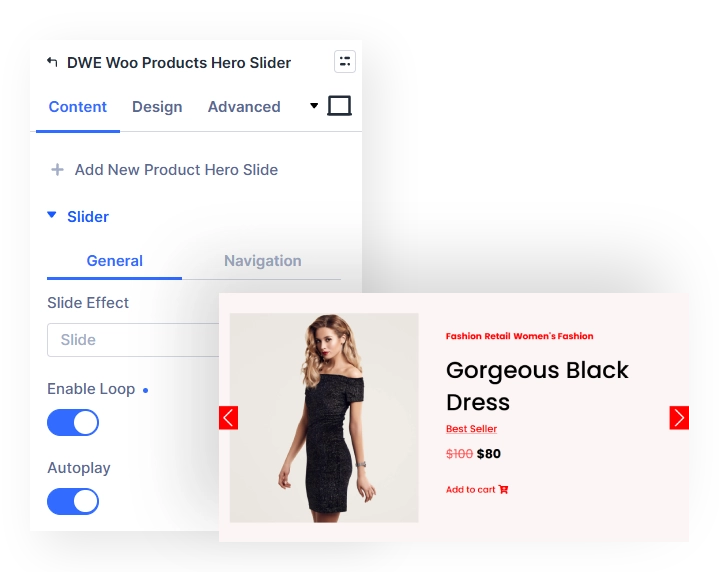
Products Hero Slider
Showcase WooCommerce Products with a Hero Slider
Highlight featured products with a customisable hero slider that combines product images, titles, prices, badges, and add-to-cart options. Control slide effects, autoplay, navigation, spacing, and layout settings to create product-focused slider sections for your store.
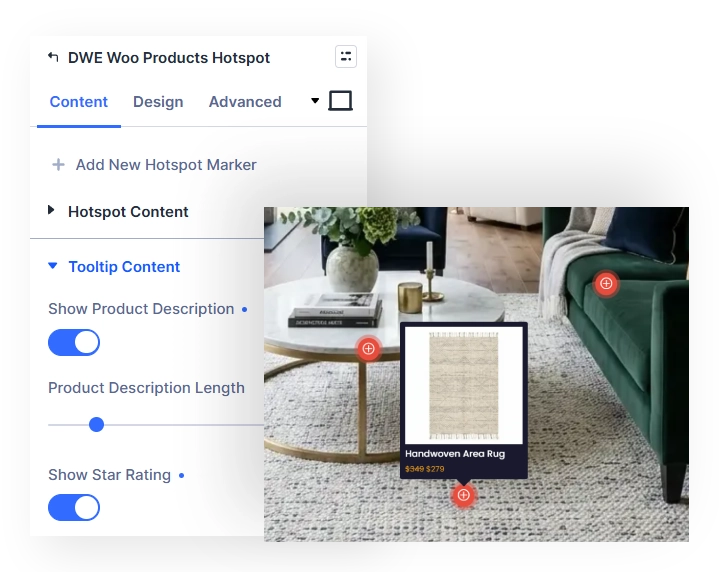
Products Hotspot
Highlight Products with Interactive Hotspots
Add clickable hotspots to product images to highlight featured items and provide product details directly within the visual. Position hotspots where you need them, customise their appearance and content, and create interactive product showcases that help shoppers discover products without leaving the image.
A Power Packed Toolkit for Divi and WooCommerce
Uncover Divi WooCommerce Extended’s extensive modules and create a customized and responsive Divi e-Commerce store for your targeted customer group.
Extensions
Extensions
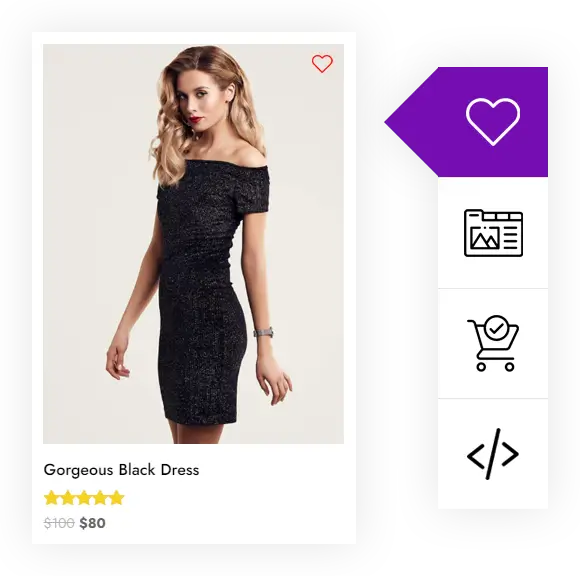
Favorite Items Into Wishlist Now
Using the Wishlist Manager extension, you can implement the Wishlist functionality in your web store. Users will be able to see a Wishlist Icon on Product pages and product loops. This will allow them to quickly save items they want to purchase later. You can also build a custom page to display Wishlist products. Plus, customize the Wishlist button with the help of advanced options to use it to the fullest.
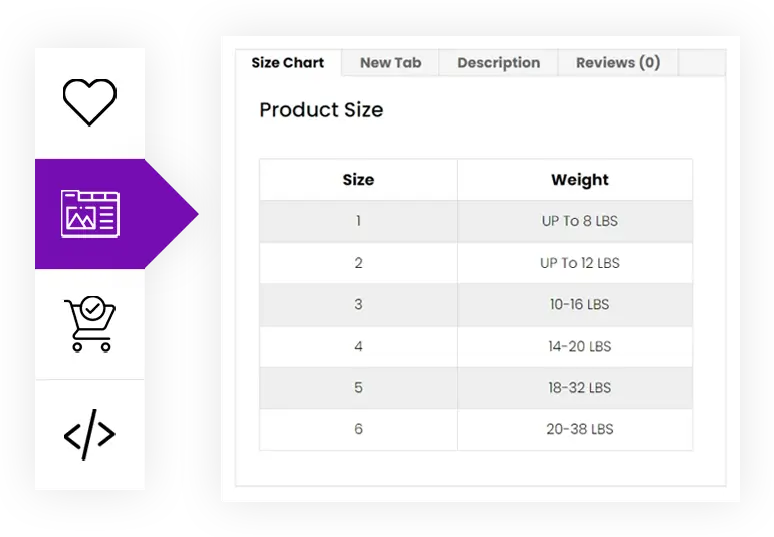
Effectively Customize Product Tabs with Divi WooCommerce Tab Manager
Provide more information about your products on their individual pages in customized tabs: show descriptions, instructions, technical specifications, reviews, and a lot more in a highly readable area. Rather than scrolling the page, users can easily find all the crucial details about the product by simply switching the tabs. It makes your store easier to explore, which improves both session duration and conversion rate.
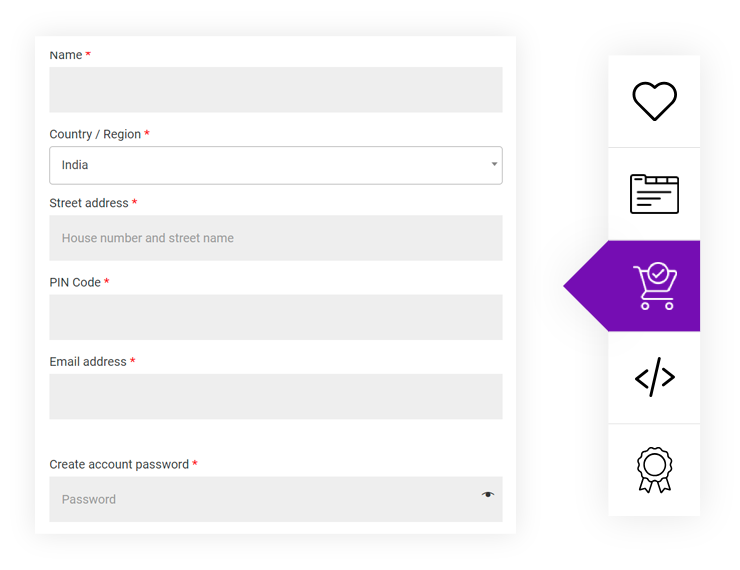
Customize Divi WooCommerce Checkout Pages with Easy to use Checkout Manager Extension
Introducing the WooCommerce checkout manager extension that will let you manage your input fields on the checkout page.
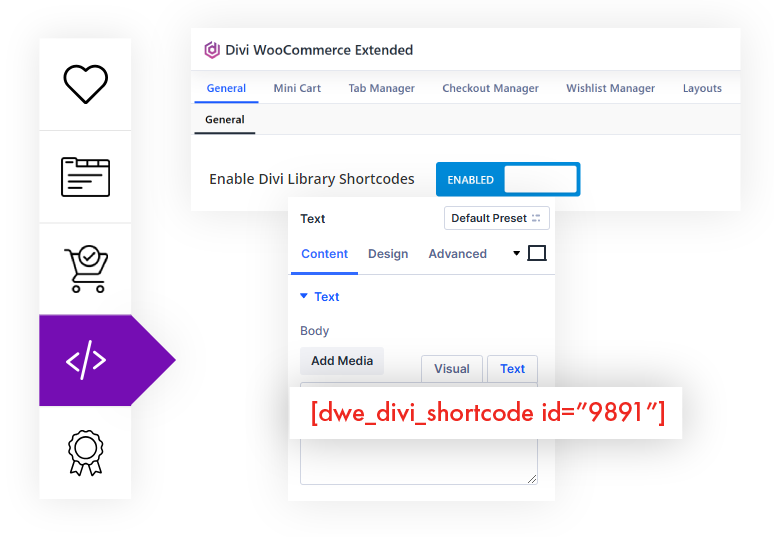
Add a Custom Product Page, a New Header, or a Footer Section, You Name a Library Layout, and It Can Create a Short Code of It
This simple and effective tool allows you to bring the best elements of your design to your Divi WooCommerce-based store without any complicated coding or third-party plugins. So, try our Divi Library Shortcodes extension today and take your website design to the next level!
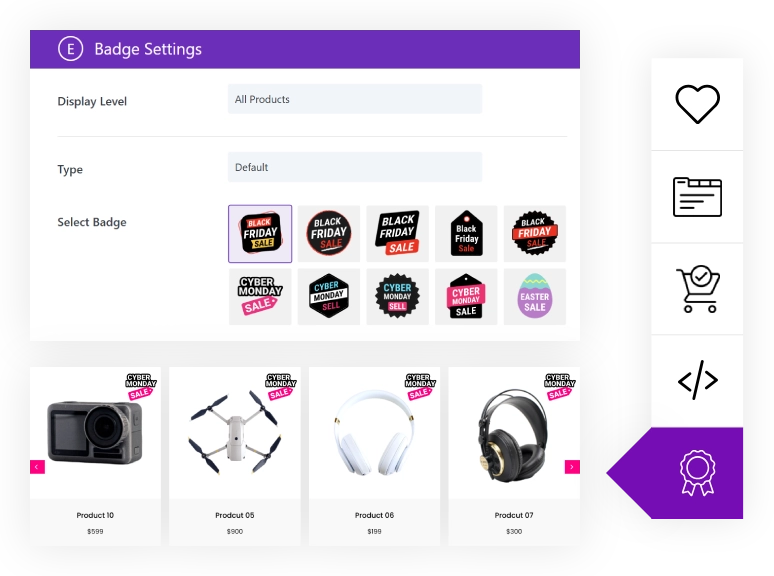
Add Custom Product Badges to WooCommerce Products
Highlight products with custom badges such as Sale, New, Hot, Best Seller, and more. Choose from ready-made badge designs, assign them to specific products or categories, and display them across your WooCommerce store.
Try every feature live above. Ready to use them on your own store?.
Get Divi WooCommerce Extended from the official store: $99/year for unlimited sites, lifetime option available.
The #1 Selling Developer at Divi Marketplace.
300,000+ Web Professionals Trust Divi Extended
Official live demo of Divi WooCommerce Extended by Divi Extended. Buy from the official store at diviextended.com.